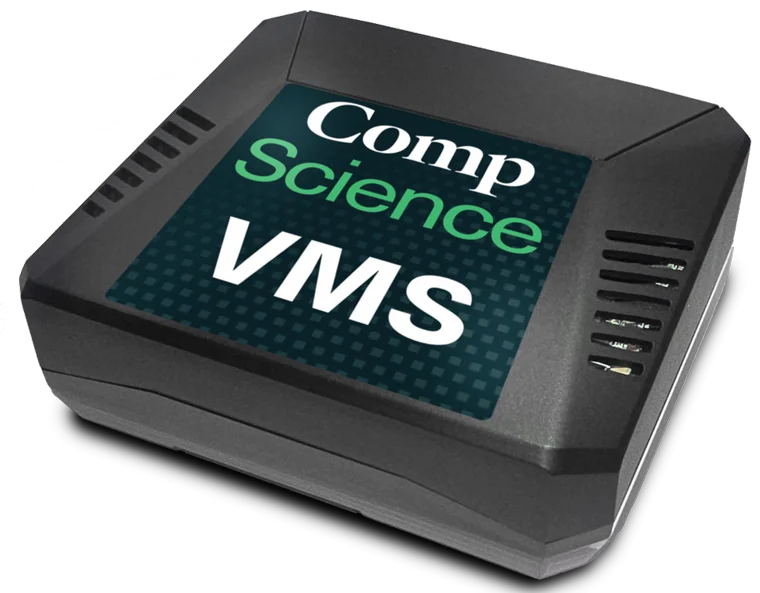
One bridge. Every solution.
The VMS isn't the product - it's the bridge. These are the solutions it unlocks.
Eligible policyholders - no additional cost
Safety Pulse
Stop reacting. Start preventing.
Real-time AI monitoring flags missing PPE, blocked exits, and slip hazards before they become injuries.
Alerts ranked by severity with recommended actions - supervisors start the day with a morning brief.
Monthly executive reports connect safety performance to your loss ratio across every site.
Watches up to 10 cameras on your highest-risk areas. Typically live within 20 days.
Included with every VMS
Scheduled video collection
Set the schedule once. Never chase footage again.
Records during the capture windows you set and uploads off-peak, so your internet stays fast.
Short clips feed CompScience's AI safety analysis - not live monitoring.
Video data requests are fulfilled automatically - no exporting, no uploading.
Why teams love it
Designed to disappear into your network.
Fully managed by CompScience
We configure, monitor, and update it remotely. Nothing to install.
Outbound by design
Connections start inside your network - encrypted, no inbound access in normal operation.
Minimal configuration on-site
Power + Ethernet, done. You share camera credentials; we configure the rest.
Uploads on your schedule
Record by day, upload off-peak. Your internet stays fast.
How it works
Three stages, all on your terms.
Your cameras
Existing IP cameras
stream via RTSP
local network
CompScience VMS
Comp
Science VMS
Discovers cameras,
exports on your schedule
encrypted,
outbound only
CompScience platform
AI safety analysis of short
clips - not live monitoring
Your IT team shouldn't have to manage another system.
So we designed the VMS so they don't.
Your network
Existing cameras
RTSP on your local network
local
CompScience VMS
Video stays local until scheduled or needed
Managed by CompScience
Your firewall
Encrypted outbound
CompScience
Remote management
Persistent outbound connection
Scheduled uploads
During your chosen window
Nothing new to install
Works with your existing RTSP cameras. No software on your systems.
No inbound access normally required
Management and uploads initiate outbound, encrypted.
Video stays local until needed
Short clips upload on a schedule you set - off-peak if you like.
We manage the appliance
Configuration, updates, and troubleshooting - handled by CompScience.
The entire IT ask:
✓ Camera network access✓ Outbound HTTPS✓ 10 Mbps upload
What deployment really takes
Plug-in simple hardware. The real work is camera access.
1
Prepare
IT checklist + camera credentials
2
Plug in
Power and Ethernet
3
We configure
Cameras connected remotely
✓
Live
Validated, then hands-off
Stage 1 wins the deployment: confirm the one-page IT checklist and share camera credentials before the device ships - we handle the rest remotely.
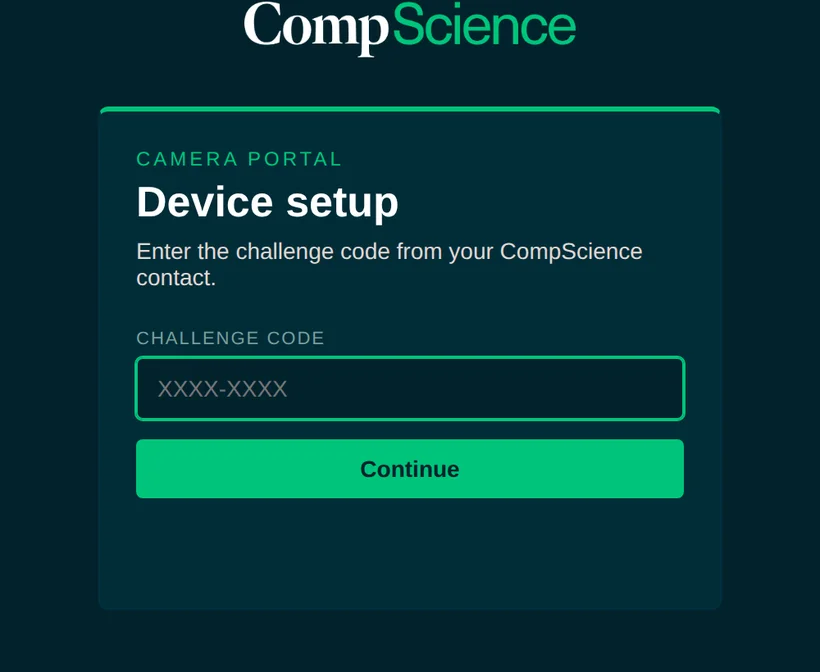
Add your own camerasNew
The on-device Camera Portal - hands-on camera setup, without the wait.
Time-gated access. Single-use codes that expire.Challenge-response verified. Three wrong tries locks it down.Test before you send. Live preview catches bad URLs and passwords.Local until you approve. One click sends us your camera list securely.
No device? You've still got options
Two paths that skip the hardware.
Upload your own video
No hardware: export clips from your own system and upload via Safety Center on request.
Upload guide (PDF)
Safety Pulse on your existing video system
Safety Pulse connects directly to most major video systems - no VMS device needed. Ask us if yours qualifies.