Frequently Asked Questions
Quick answers to common questions about the CompScience platform.
How does CompScience analyze workplace safety?
CompScience uses existing camera infrastructure and AI-powered computer vision to automatically detect safety risks in real time - things like near-miss events, ergonomic hazards, and PPE compliance - without requiring additional hardware installation.
What camera systems are supported?
CompScience works with most standard IP camera systems and NVRs over RTSP. See the compatibility table, or email us the make and model - we confirm during onboarding.
How is footage handled? Is video stored?
CompScience processes video streams on-site or in a secure cloud environment. Only short clips around detected events are retained for review - raw footage is not stored. All data is encrypted in transit and at rest, and we operate in compliance with applicable privacy regulations.
How long does onboarding take?
Most customers are fully operational within 2-4 weeks of signing. This includes camera compatibility assessment, VMS configuration, AI model tuning for your environment, and training for your safety team.
How do I submit a support request?
You can reach our Customer Success Engineering team by emailing [email protected]. We aim to respond within one business day. For urgent issues, contact your dedicated CSE directly.
Downloads
Installation, setup, and how-to guides for the CompScience platform.
Indoor Installation Guide
Camera specs, best mounting locations, and installation distance guidance for indoor facilities.
Download PDF
Outdoor Installation Guide
Camera specs and specific installation guidance for outdoor construction sites.
Download PDF
PoE Camera Setup Guide
Step-by-step: connect cameras via Ethernet, configure PoE+ switch, set up in Reolink app, share credentials.
Download PDF
WiFi Camera Setup Guide
Step-by-step: install micro SD card, connect cameras to WiFi via Reolink app, share credentials.
Download PDF
VMS Startup Guide
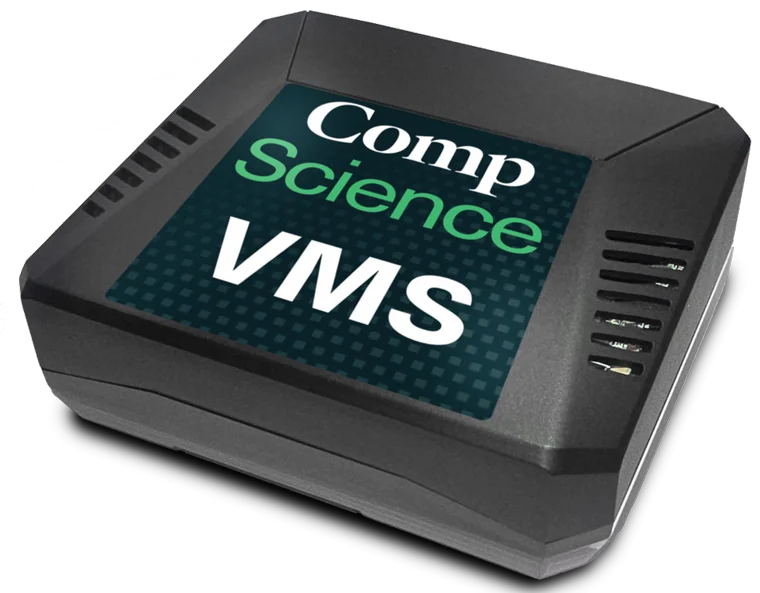
Step-by-step: connect the plug-and-play VMS gateway, discover your cameras, and start video exports.
Download PDF
SafetyCenter Upload Guide
Step-by-step: open your video data request, match files to the right cameras, and upload footage.
Download PDF
Need help from our team?
Our Customer Success Engineers are here to help. Reach out and we'll get back to you within one business day.
[email protected]